
ONE WORKSPACE. EVERYDAY REPAIR WORK.
Repair shop software.
Every detail connected.
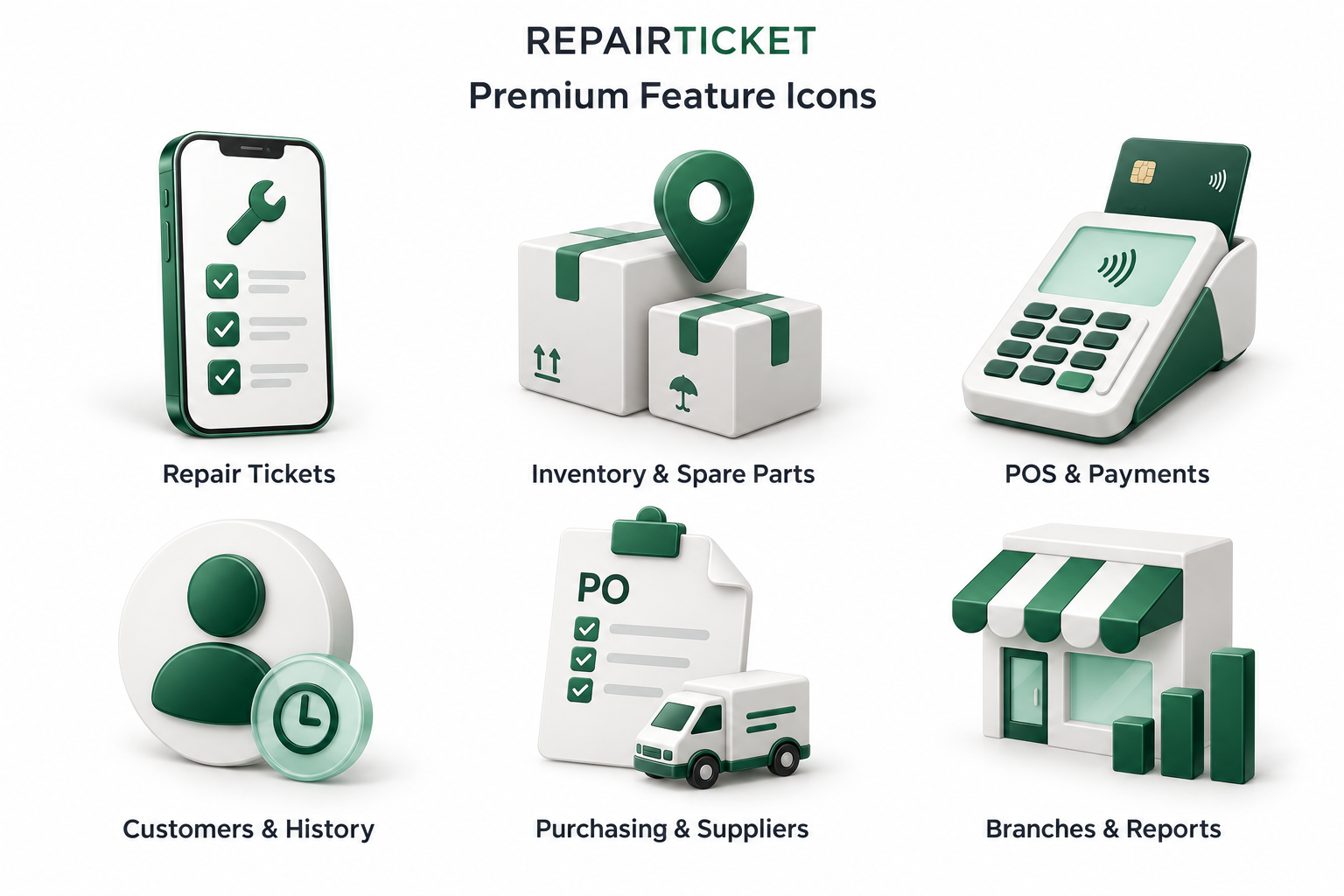
From the first customer check-in to your end-of-day review, explore the tools that keep repairs, stock, payments and people working together.
For phone repair shops, computer repair businesses and electronics service centers.

EXPLORE REPAIRTICKET
The tools behind an organized shop.
Choose a feature to see what it does and how it fits into your daily work.
Give every repair a clear next step.
- Customer check-in
- Device diagnosis
- Repair & parts
- Payment & collection
01 / CONNECTED SHOP OPERATIONS
Repair tickets & device tracking
Keep the customer, device details, reported issue, technician and repair progress connected. RepairTicket helps phone repair shops and electronics service centers follow each job from customer check-in to collection.
Single- and multi-device tickets
Record one device or several devices under a customer ticket, with individual device information and progress.
Technician assignments & repair notes
Assign the work, record findings and keep staff updates attached to the repair so the next person can pick up with context.
Parts, payments & collection
Pull the spare parts used for the job, collect repair payments through POS and record device collection as work is completed.
Know what you have. Know where it is.
- Purchase delivery
- Receive to location
- Stock available
- Pull for repair
02 / CONNECTED SHOP OPERATIONS
Inventory & spare parts
Organize spare parts, devices and accessories with stock records connected to the branch and physical location. Give staff a consistent way to receive deliveries and pull parts for repairs.
Branch & drawer locations
Keep stock tied to a branch and storage location so staff know where to find an item before using it.
Receiving & stock movements
Receive incoming stock, transfer items and record adjustments with a movement history that explains changes to quantities.
Repair parts & serialized items
Connect parts used on tickets to inventory and track serial or IMEI information for items that require individual identification.
Connect the sale to the payment.
- Sale or repair
- Invoice
- Payment record
- Remaining balance
03 / CONNECTED SHOP OPERATIONS
POS, payments & invoices
Use one sales workflow for accessories, devices and repair payments. Keep invoices, collected amounts and outstanding balances organized so a completed sale and its payment record stay connected.
Retail sales & repair checkout
Search inventory for retail items or collect payment for repair work through POS.
Partial & split payments
Record the amount collected and payment methods used, including partial payments and split tenders, while keeping the remaining balance visible.
Invoices & refunds
Issue invoices, review transaction details and process refunds with the related payment and inventory records.
Start every return visit with context.
- Find customer
- Review history
- Open repair record
- Continue service
04 / CONNECTED SHOP OPERATIONS
Customers & repair history
Keep customer details linked to repair records and transactions. Your team can review the device, reported problem and earlier work before continuing a conversation with a returning customer.
Customer records
Store contact details alongside the customer’s repair and transaction history.
Device & repair context
Review devices, reported issues, technician notes and repair progress without relying on a separate paper log.
Follow-ups & repeat visits
Use previous records to understand what was done and help staff respond consistently to customer questions.
From purchase order to stocked drawer.
- Purchase order
- Supplier delivery
- Partial or full receipt
- Supplier payment
05 / CONNECTED SHOP OPERATIONS
Purchasing & suppliers
Plan stock purchases and keep receiving connected to inventory. Purchase orders, supplier records and delivery progress help your team see what was requested, what arrived and what still needs attention.
Purchase orders
Prepare orders with a supplier, branch, items, quantities and expected delivery information.
Full & partial receiving
Record the items that actually arrive. Receive partial deliveries and keep the remaining quantities clear until the order is fulfilled.
Supplier bills & payments
Track supplier bills and payments alongside purchasing activity to understand the outstanding amounts owed.
See the shop. Support the team.
- Select branch
- Manage staff access
- Review daily activity
- Follow up
06 / CONNECTED SHOP OPERATIONS
Branches, team & reports
Keep daily work organized across locations with branch selection, staff roles and operational reports. Review the records behind sales, collections, expenses and stock activity.
Multiple branches
Switch between branches while keeping tickets, sales and inventory connected to the appropriate location.
Staff roles & access
Assign permissions around the work each person needs to do, from sales tasks to technician workspaces and management.
Daily business reports
Review sales, payment collections, expenses and inventory activity. Use those records to understand the day’s transactions and investigate differences.
What does RepairTicket help a repair shop manage?
RepairTicket brings repair tickets, device tracking, customers, spare parts inventory, POS, payments, invoices, purchasing, suppliers and branch reporting into one workspace.
Can one ticket include more than one device?
Yes. A ticket can include multiple devices, with device-level information and progress so staff can track work and collection for each device.
Can I receive only part of a purchase order?
Yes. Record the quantities that arrive and receive them into the selected stock location while keeping the remaining quantities on the purchase order.
Can RepairTicket record partial repair payments?
Yes. Record a partial payment and keep the outstanding balance available for a later payment, including when the device is collected.
Is RepairTicket suitable for multiple branches?
Yes. Branch selection, branch-related records and staff permissions support businesses operating more than one location. See the pricing page for branch options.
Where can I ask about setup for my shop?
Contact RepairTicket through the support portal to discuss your shop’s workflow, setup questions and onboarding needs.
MAKE ROOM FOR BETTER REPAIR WORK
Bring your shop together.
Explore the plans or talk to us about your repair workflow.
Meet the repair technician behind RepairTicket →